Six flow fixes you can finish before lunchHere’s the number we can’t stop thinking about this week. Last year an automated email made $2.87 every time it was sent. A campaign made $0.18. 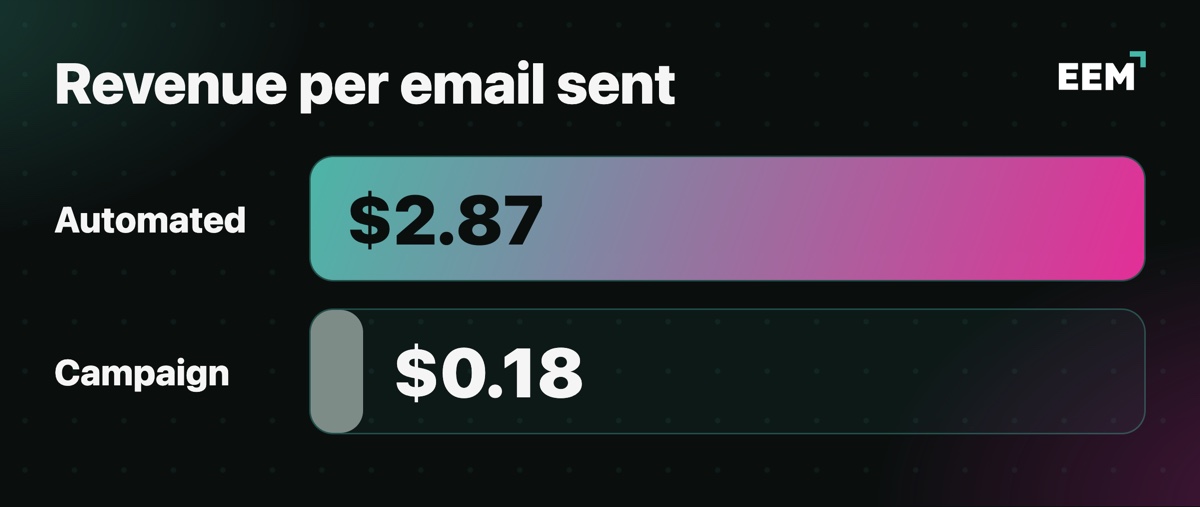
That’s from 27 billion emails across 150,000 brands, which is a lot of stores getting the same result. Campaigns still pay the bills. They brought in 70% of email revenue, and nobody’s telling you to kill the Tuesday send. But think about everyone who browsed, carted or signed up with you this week and never got a triggered email. Each of those people is a $2.87 send you skipped. So here’s what we’d do this morning, in the order we’d do it. Grab a coffee. The whole thing takes about 90 minutes. 1. Find your own gap (15 minutes)Before you fix anything, find out how big your gap is. Open your ESP’s reporting and pull the last 30 days of revenue twice, once for flows and once for campaigns. Then divide each by the number of emails it sent. Now you’ve got your own revenue per send for both. If your flows aren’t beating your campaigns by at least 10x, something in them is broken or missing, and the next four steps are where you’ll find it. Write both numbers at the top of your weekly report so you can watch them move. 2. Start with cart and welcome (30 minutes)These two flows drove 76% of every order that came from an automation. If you only have half an hour today, spend it here. 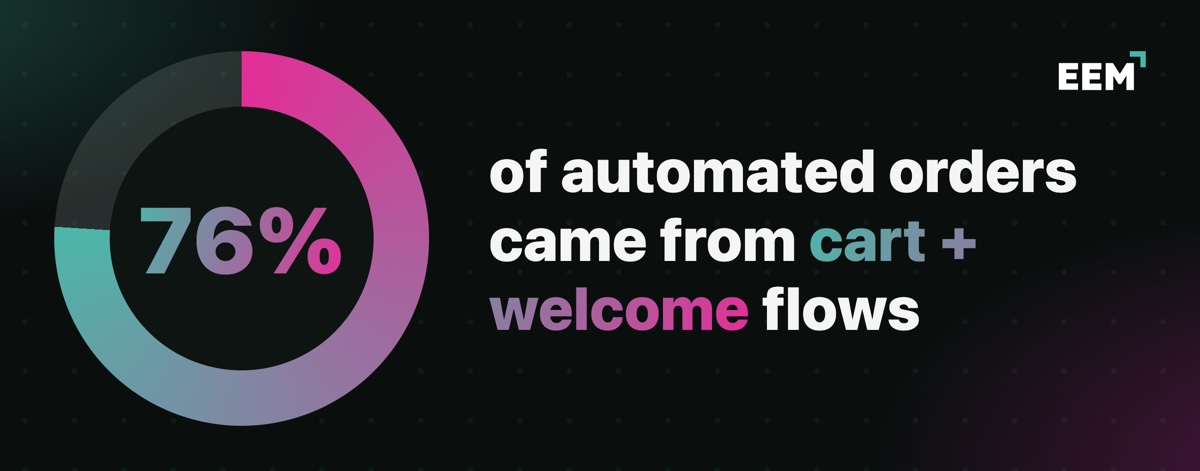
On your cart flow, check the delay before email one. Everyone fusses over the copy and forgets the timing, and that first email should land within an hour. Then make sure placing an order takes someone out of the flow, because a “you forgot something” email after they’ve paid makes you look careless. Build a real cart on your phone, walk away, and see whether the email shows the right product at the right price. Save the discount for email two or three. Email one is a nudge. For welcome, sign up with a fresh address and try to use the code you get. If it fails at checkout, stop here and fix that first. Set email one to go out right away, while they’ve still got your site open in a tab. Keep existing customers out of the first-order offer. While you’re in there, add a birthday question, and step 4 explains why. 3. Turn on back-in-stock (20 minutes)Back-in-stock converted at 6.46%, the best of any automation in the data. The customer asked you to email them, so all you have to say is “it’s back.” 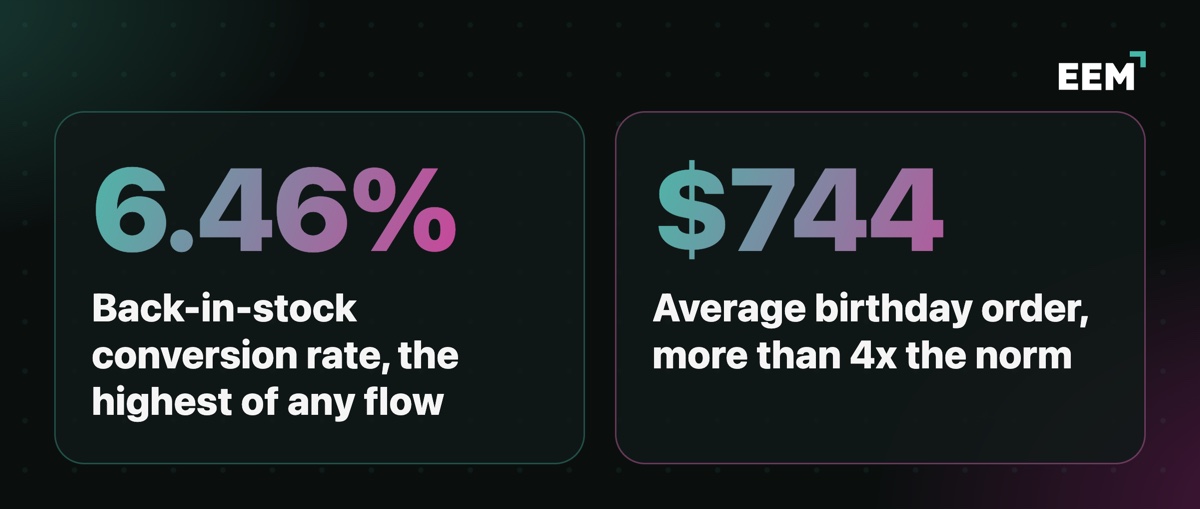
Put a “notify me” form on every sold-out product page. Add it to sold-out sizes and colors on products that are otherwise in stock too, because those are the ones brands forget. Send within an hour of the restock, and follow up 24 hours later with anyone who hasn’t bought. If only a handful came back, say how many. And if they gave you a phone number, text them as well. 4. Ask for birthdays (10 minutes)Birthday orders averaged $744.37, more than four times the average order. That’s the biggest basket in the whole dataset, and you can’t send the email if you don’t have the date. Ask for month and day only, in welcome email one or your preference center, and say why you’re asking right next to the field. Then send the birthday email a week early, with an offer that runs through their birthday week. 5. Move your texts into flows (15 minutes)SMS tells the same story with smaller numbers. Automated texts made $0.74 per send and campaign texts made $0.15. You pay for every text, so send them where they earn. Add one text to your cart flow about four hours after email one, for anyone who still hasn’t bought. Add another to back-in-stock. To pay for both, cut one campaign text a week. 6. Change the number at the top of your report (5 minutes)This last one’s the fastest. Click rates dropped last year, but click-to-conversion went from 5.9% to 9%. Fewer people clicked, and the ones who did were far more likely to buy. So stop leading your weekly report with click rate. Put revenue per recipient at the top, and use it to judge your subject line and offer tests too. If a version gets fewer clicks and more orders, it won. That’s your 90 minutes. Check your revenue per send next Friday, then run the whole list again in a month. Numbers from Omnisend’s 2026 Ecommerce Marketing Report. | 
Reply