- eCom Email Marketer
- Posts
- Fri 9/4 | Ed 408 | 6 ways to actually use AI on your SMS program
Fri 9/4 | Ed 408 | 6 ways to actually use AI on your SMS program
📬 10,000 new brand emails land in Inboox every day, each one with an AI breakdown of why it works. → Explore Inboox
Every SMS tool learned to write this year, which is a bit like hiring a chef to open your mail.
Writing was never the bottleneck. The whole game is picking who gets a text and on what day, and that's the part nobody wants to do because it lives in a spreadsheet.
So the one machine that could genuinely help is off somewhere generating your third exclamation mark.
This morning, six places to point it instead, and the one job you should keep for yourself.
Also inside:
→ A year of campaigns already mapped, from brands that ran them
→ What your ESP invoice does between here and Black Friday, and the five days it takes to change it
→ A hydration brand at 27,000 doors, and eight tiny brands who just got $50,000 each
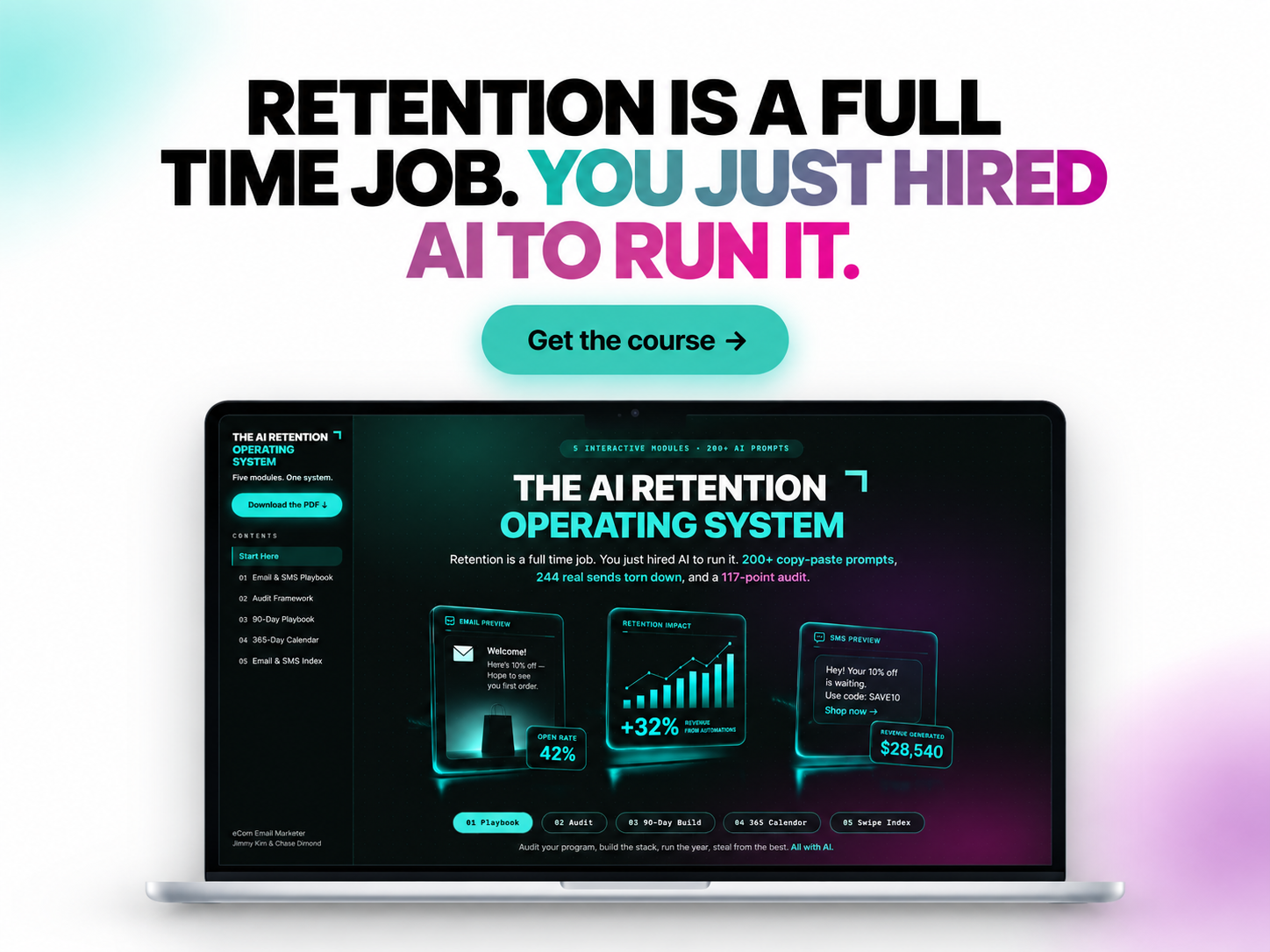
Right now you’re looking at a Q4 calendar that has dates in it and nothing else.
The AI Retention Operating System is five interactive modules covering the whole email and SMS program: a 365-day calendar with 91 real campaigns in it, 153 real emails and texts already broken down one by one, 200+ copy-paste AI prompts, and a 117-point audit across seven categories that finds where the thing is leaking.
A full email team’s work, run solo, with the AI carrying the load... and we'll give you all the tools you need to do it.
Plus we're giving our subscribers 35% off. 😉
A text is 160 characters... and you can write four of them while the campaign builder loads, so handing that job to a machine buys you about nine minutes and nothing else.
Great. But you should be doing more.
Below are six jobs in an SMS program that AI is genuinely better at than you are, in rough order of what they're worth, plus the one you should never hand over.
1. Let it decide who's due a text
Most SMS sending is calendar-driven. Somebody picks a Tuesday, the whole list gets the same message, and the ones who were already going to buy get credited with the win. Omnisend went through 266 million texts across 27,000 brands last year and found automated texts converting at 0.78% against 0.12% for campaigns.
That gap is a timing problem. A triggered text lands on a day the customer already had a reason to care, and working out who's having that day is a data job.
How to pull it off:
Describe the audience instead of building the query. Omnisend's AI segment builder takes a plain sentence like "customers past their usual reorder window who haven't opened anything in 30 days" and turns it into a live segment off real purchase and behaviour data. No SQL, no export.
If your ESP can't do that yet, pull order history with customer ID, SKU, order date and the average gap between reorders, and ask for everyone sitting past 120% of their own gap.
Either way, text that list about the thing they actually buy. A sitewide offer wastes the fact that you know what's in their cupboard.
2. Turn your product data into trigger rules
Everybody knows back-in-stock works. Most brands have two triggers live and have had two for a year, because writing the conditions is dull and it sits with whoever owns the ESP.
That's a good use of a machine. Hand it the shape of your data and ask what could fire a text that currently doesn't.
How to pull it off:
Give it your inventory and browse tables, columns and sample rows, and ask which fields could trigger a message.
Start with three: back in stock on something they viewed, a price drop on something they saved, a restock in the size they bought last time.
Check how fresh the data is before you build anything. If inventory reaches the ESP on a nightly sync, your back-in-stock text fires the morning after the moment.
3. Let it compress, don't let it compose
Ask an AI to write a text and it writes a small email. Everything survives, nothing lands, and the one detail that would have sold it is in the third clause.
Compression is different, and it's the thing these models are actually good at. You bring the message and the judgment about what matters. It does the cutting.
How to pull it off:
Paste the finished email copy and the offer, then ask for five versions at 140 characters or under.
Tell it the single detail that has to survive the cut. The size, the date, the price, the deadline.
Bin any version that could be pasted onto a different product. If it's generic at 140 characters it'll be invisible at 160.
4. Run twelve variants against a control you wrote
The honest case for a machine writing your variants has nothing to do with taste. It's stamina. You'll test two versions of a text. You won't test twelve, and you certainly won't do it at 11pm on a Tuesday, which is exactly when a machine is happy to.
How to pull it off:
Write the control yourself, from the compression step above. The machine competes with your best line, not with its own first draft.
One hypothesis per test. Offer framing, or send time, or where the link goes. Change three things at once and the winner teaches you nothing.
Set the floor before you start, so you know what beats the control and by how much. Otherwise the tool ends up grading its own homework.
5. Read the replies before you automate them
Two-way is the thing SMS has that email doesn't, and most programs treat it like a wrong number. Somebody texts back “does this come in a 10” and it lands in an inbox nobody's opened since March.
The questions repeat, which is why this is worth automating eventually and worth reading first. Size, delivery date, does it come in black, can I change my order. A handful of answers covers most of a week.
How to pull it off:
Export the last 500 inbound messages and ask for them grouped by question, with counts.
Write saved replies for the top five and hand them to whoever already answers support.
Give it a fortnight before you buy anything with “agent” in the name. Two weeks of a human using those replies tells you what to configure.
6. Make it check the calendar for collisions
This one only matters for about eleven weeks a year, and we're in them. The email calendar and the SMS calendar get built by different people, or by the same person on different days, and somewhere in November a segment gets both inside an hour.
Nobody catches that by reading two spreadsheets. A machine catches it in a minute.
How to pull it off:
Put both calendars in one sheet: send date, send time, audience, channel.
Ask for every case where the same segment gets two messages inside four hours, and every day a segment gets three or more touches.
Decide which channel wins each collision and suppress the other. Do it now, while the calendar is still a draft and not a live flight.
The takeaway: hand over what repeats, keep what doesn't
The pattern in all six is the same. Every one of them is a job you'd do identically every week if you had the time, which is precisely what a machine is for.
Deciding that somebody who owns your product and stopped using it needs a different text from somebody who used it all up is the part that never repeats.
That's the one to keep, and it's what the 0.78% is actually made of.
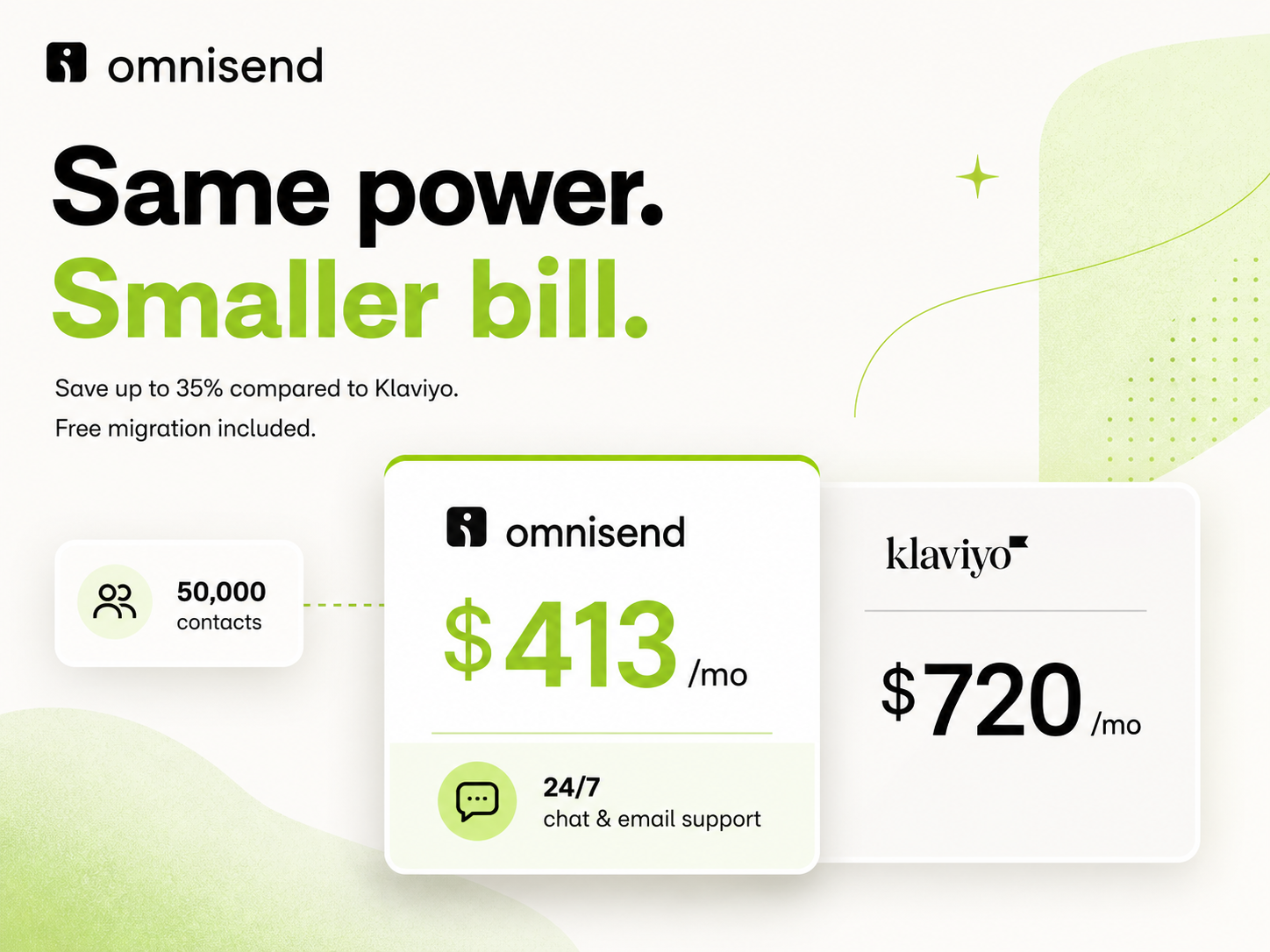
Right now your list is the smallest it’ll be between here and Black Friday, and your invoice moves with it.
Omnisend runs the switch for you and doesn’t charge for it. Contacts land inside a day. Live workflows, the segments that map across, up to five forms and one rebuilt master template come with them, and the whole thing closes inside five business days.
Switching doesn't have to be hard. Omnisend makes it easy... both on you and your wallet.
→ Start the migration at omnisend.com
*Sponsored
Cure went from an electrolyte powder to 27,000 doors
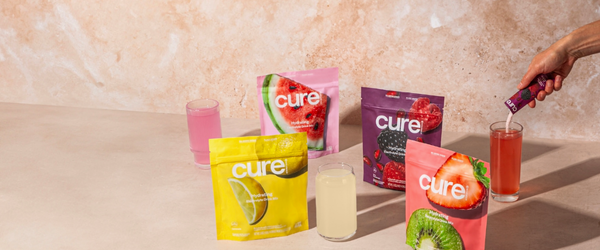
Cure is in roughly 27,000 retail doors now, after a Walmart rollout that put it online and into 4,500 stores, which is close to Walmart’s entire US fleet. Lauren Picasso launched it in 2019 on a coconut water and pink Himalayan salt formula, it’s been profitable since 2024 on $8.2 million raised in total, and it’s up 561% across three years. The number worth stealing is on the DTC side though: 33,000 active subscribers and a 40% repeat purchase rate.
Ulta just handed eight tiny brands $50,000 each
Ulta’s fifth MUSE cohort starts September 14 with Blue Water Girls, MoKnowsHair, Prados Beauty, Dos Mundos, Prereq Care, MIA Outdoor Hair, Mochiglow and Aware Hair. Ten weeks, $50,000 apiece, and another $10,000 to one of them on sales growth, whitespace and community impact. Some have six to twelve months of trading history. Ulta says it screens applicants much the way it screens brands for the shelf, looking for revenue, DTC traction and a real community.
Which is the whole point, and it’s true a long way below Ulta’s size: the thing getting graded is whether people come back on their own, and that’s a list-and-flows question before it’s ever a shelf-space one.

Annnnd that’s a wrap for this edition!
Thanks for hanging with us today. If this gave you an idea for your next text, share ecomemailmarketer.com with your favorite DTC marketer.
Remember: Do shit you love.
🤘 Jimmy Kim & Chase Dimond
PS: Your next best customer might be reading this right now. Want in? Email Jimmy to sponsor this newsletter and more.
Want to receive it less frequently? Update your cadence here
Reply